
UI Overview
A tour of the PxeLab web UI: sidebar structure, what each page does, and top bar features. Detailed operations live in each feature guide.
Docs: Dashboard | Service Config | Settings
Sidebar Structure
Overview
├─ Dashboard (/)

Basic Config
├─ Service Config ▸ (nested sub-nav)
│   ├─ DHCP (/services/dhcp)
│   ├─ DNS (/services/dns)
│   ├─ NFS (/services/nfs)
│   ├─ TFTP (/services/tftp)
│   ├─ Boot Options (/boot-settings)
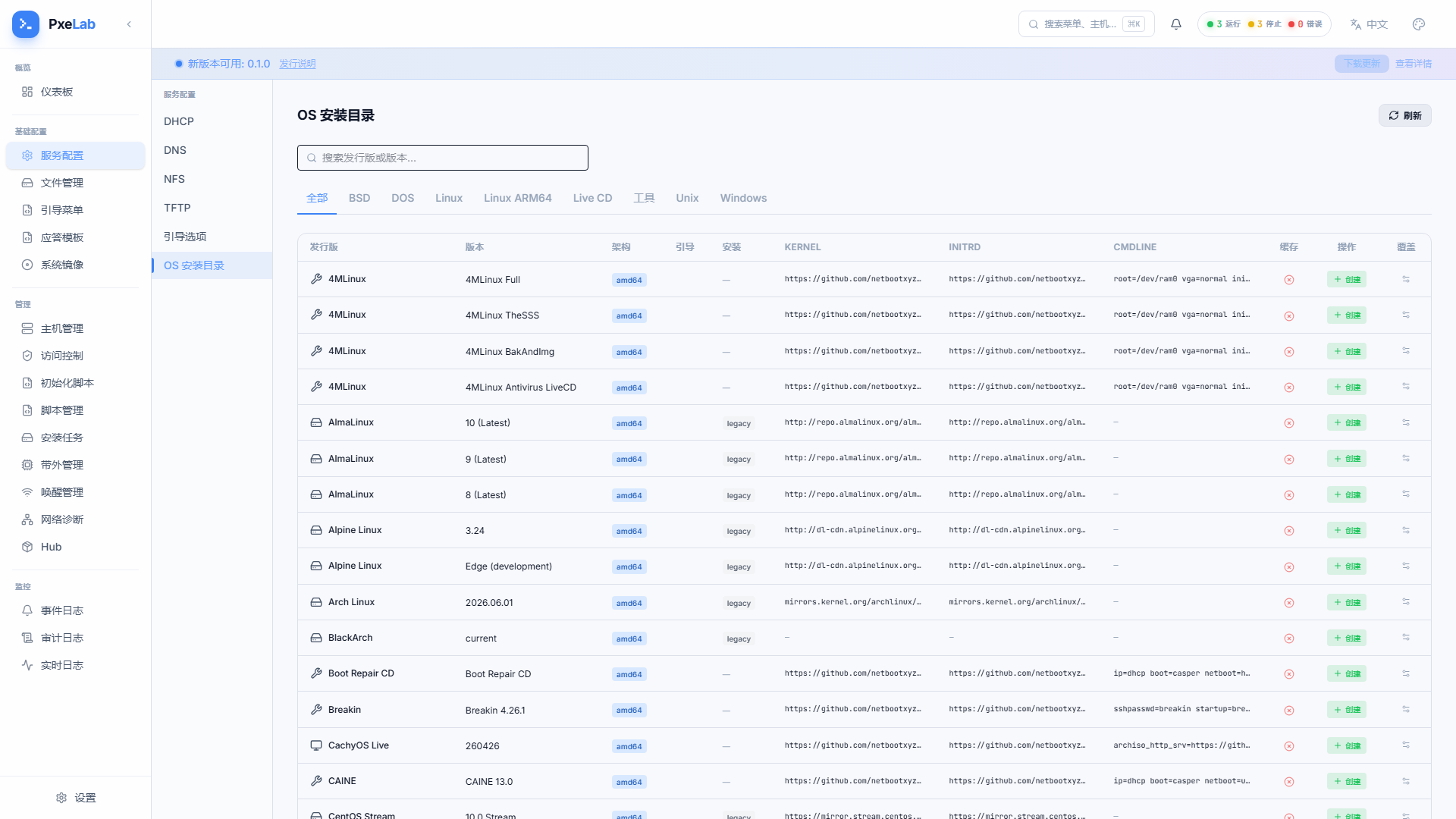
│   └─ OS Install Catalog (/netboot-catalog)
├─ File Manager (/files)
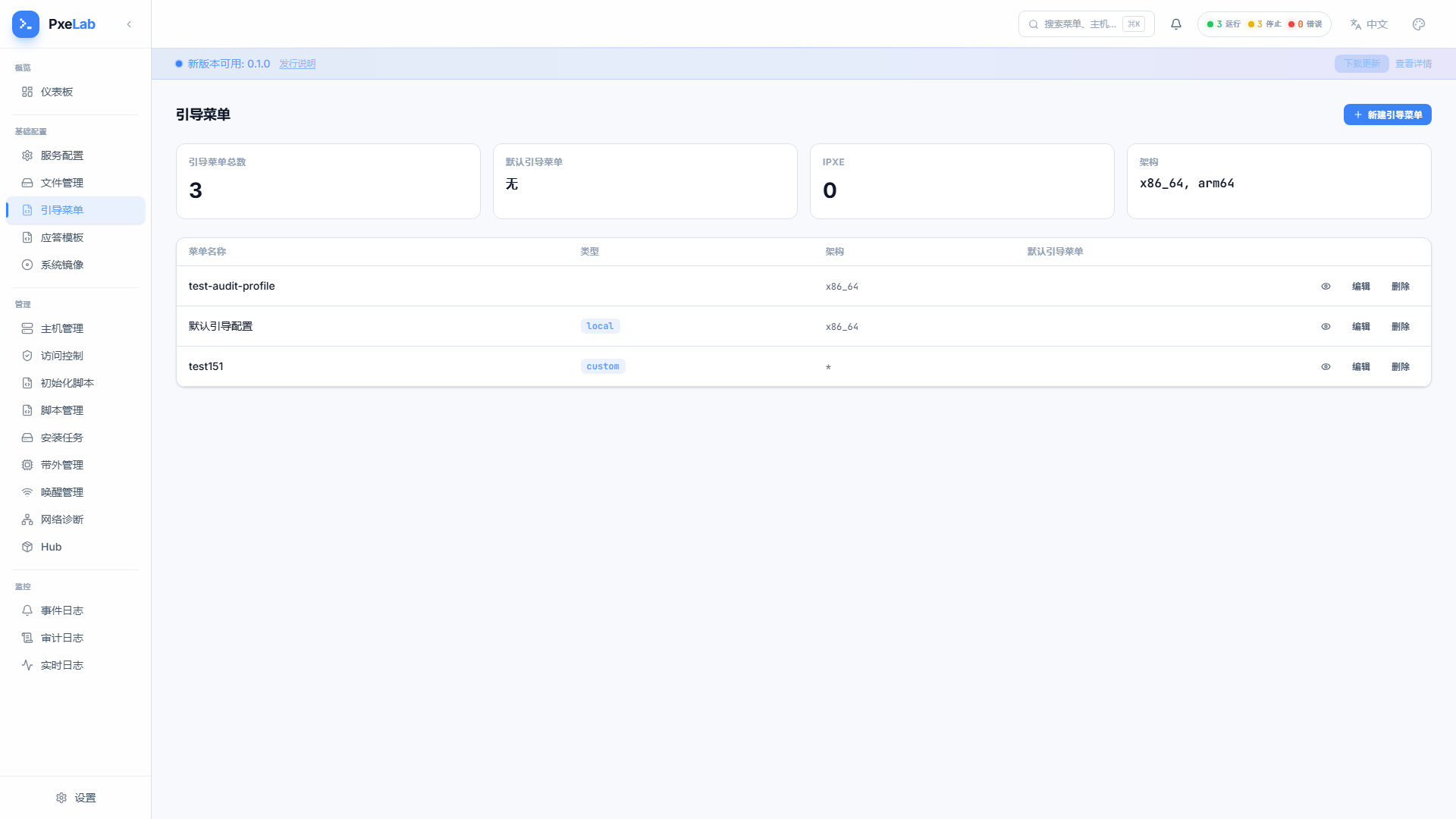
├─ Boot Menu (/profiles)
├─ Answer Templates (/answer-templates)
└─ OS Images (/os-images)

Management
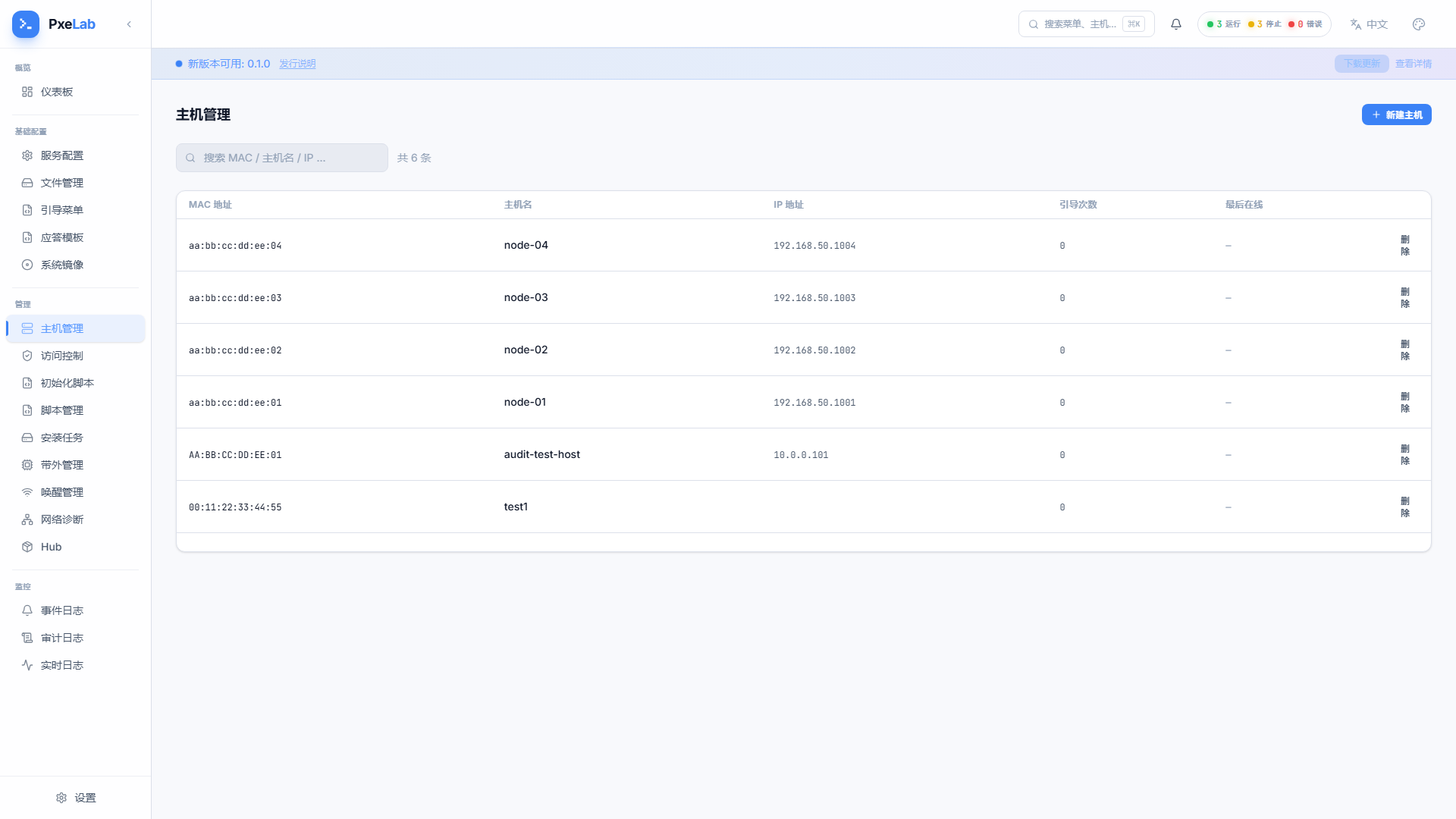
├─ Host Management (/hosts → /hosts/:id)
├─ Access Control (/access-control)
├─ Init Scripts (/baselines)
├─ Scripts (/scripts)
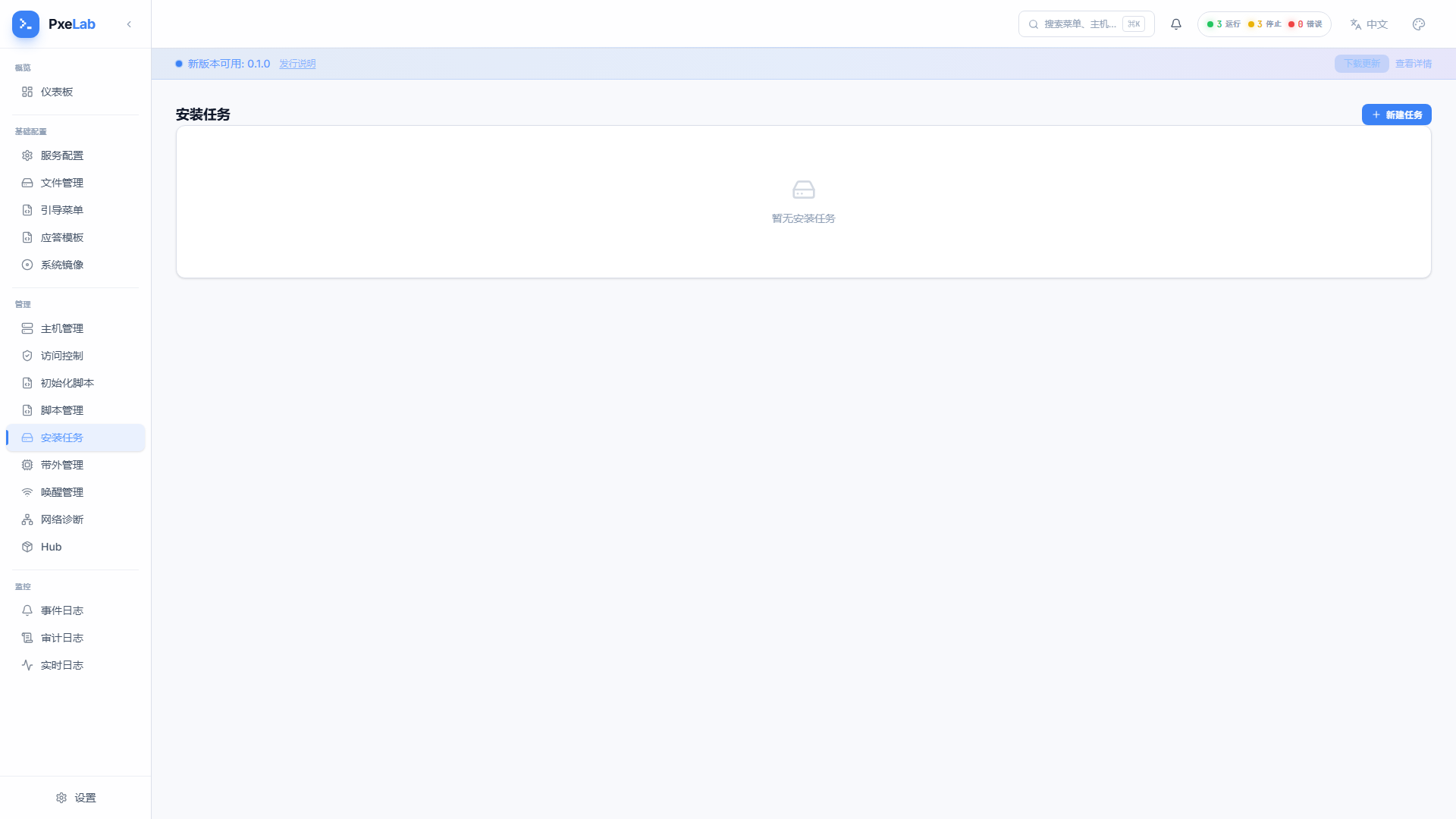
├─ Install Tasks (/install-tasks)
├─ BMC / IPMI (/bmc)
├─ Wake-on-LAN (/wol)
├─ Network Diagnostics (/network)
└─ Hub (template marketplace)

Monitoring
├─ Event Log (/events)
├─ Audit Log (/audit-logs)
└─ Live Log (/logs)

Bottom
└─ Settings (settings modal)
Page-by-Page Tour
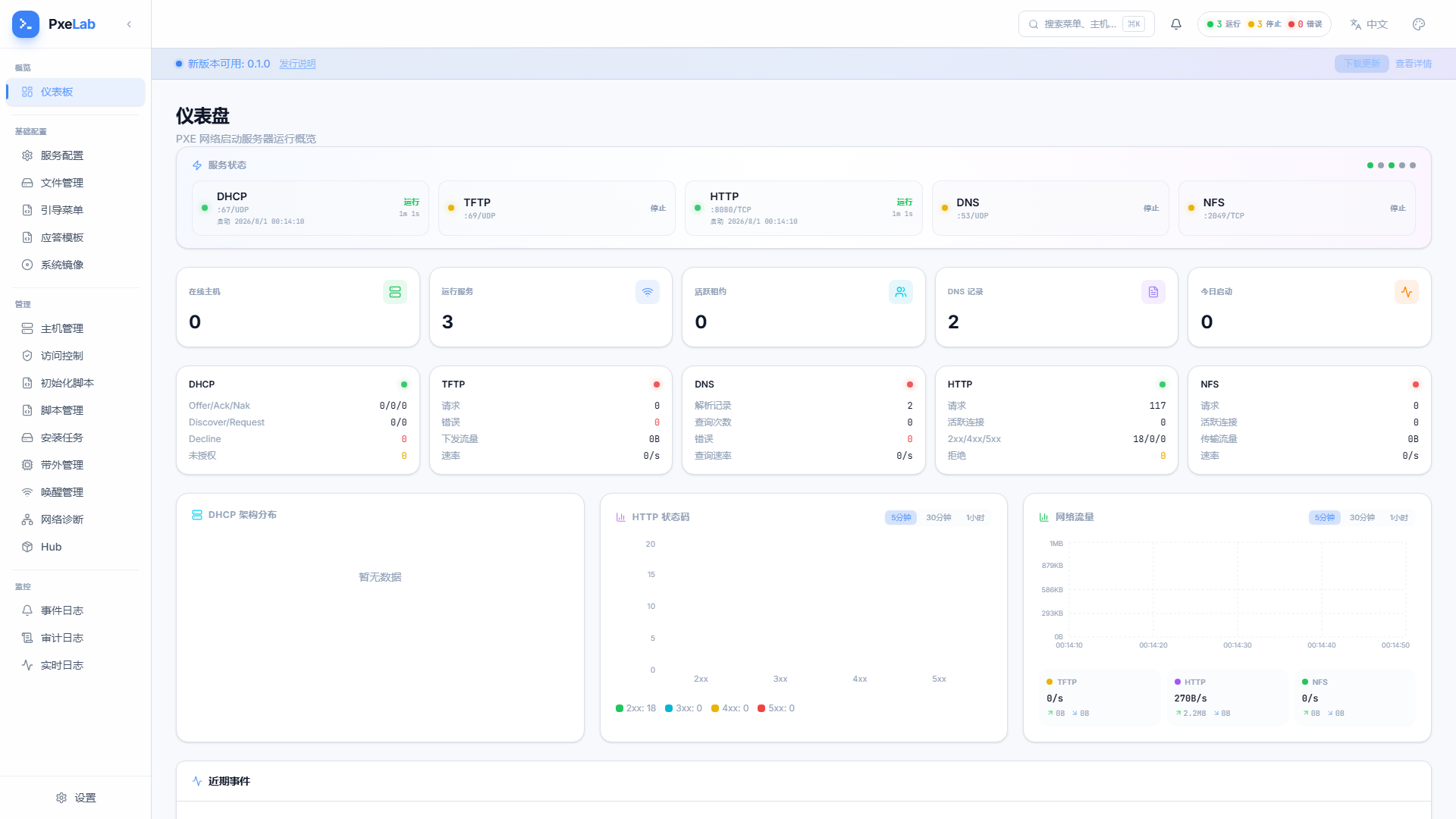
Overview
| Page | Entry | What it does | Details |
|---|---|---|---|
| Dashboard | Overview → Dashboard | Global state: stat cards, service status, traffic charts, recent events, online hosts | Dashboard |
Basic Config
| Page | Entry | What it does | Details |
|---|---|---|---|
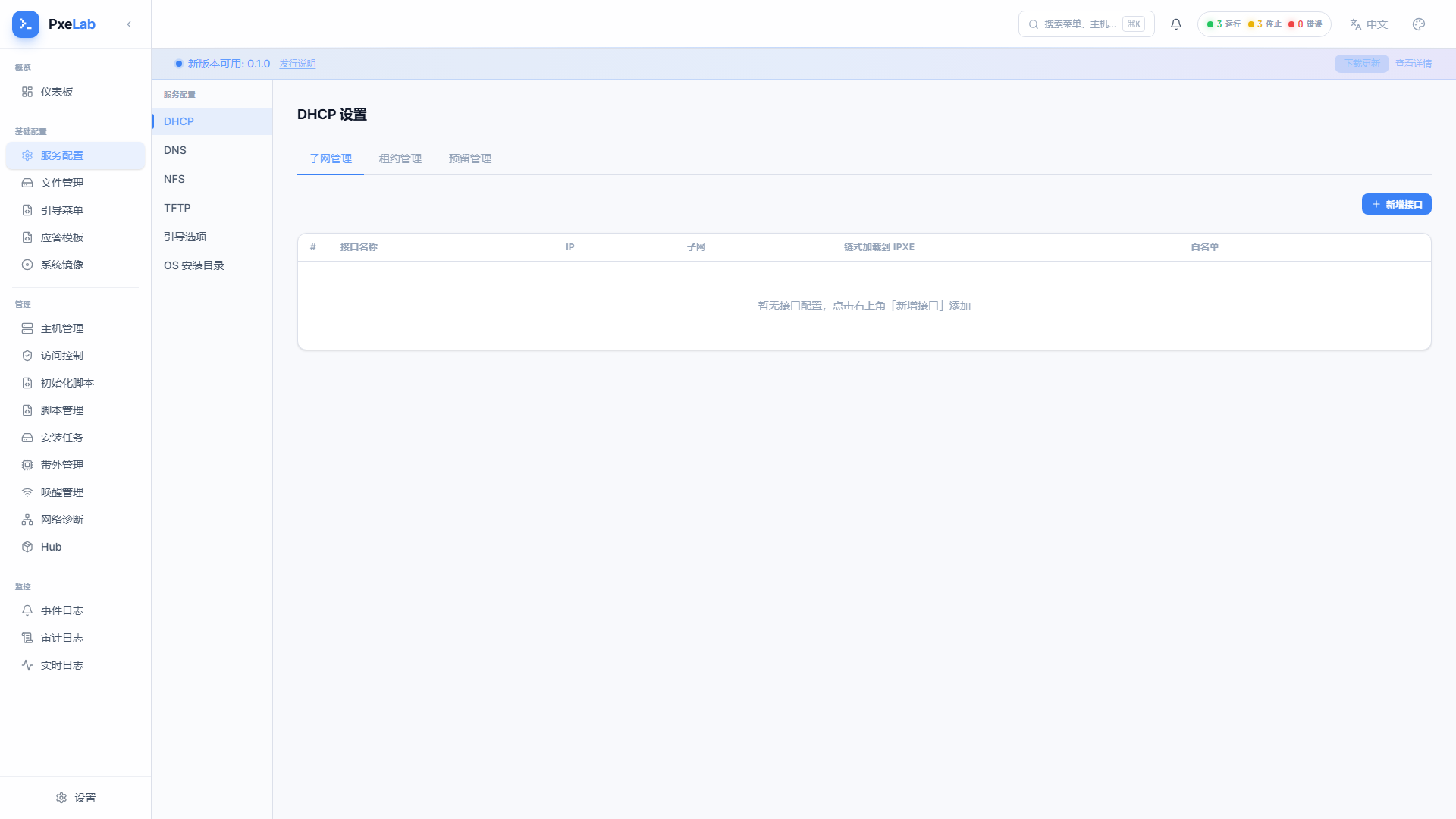
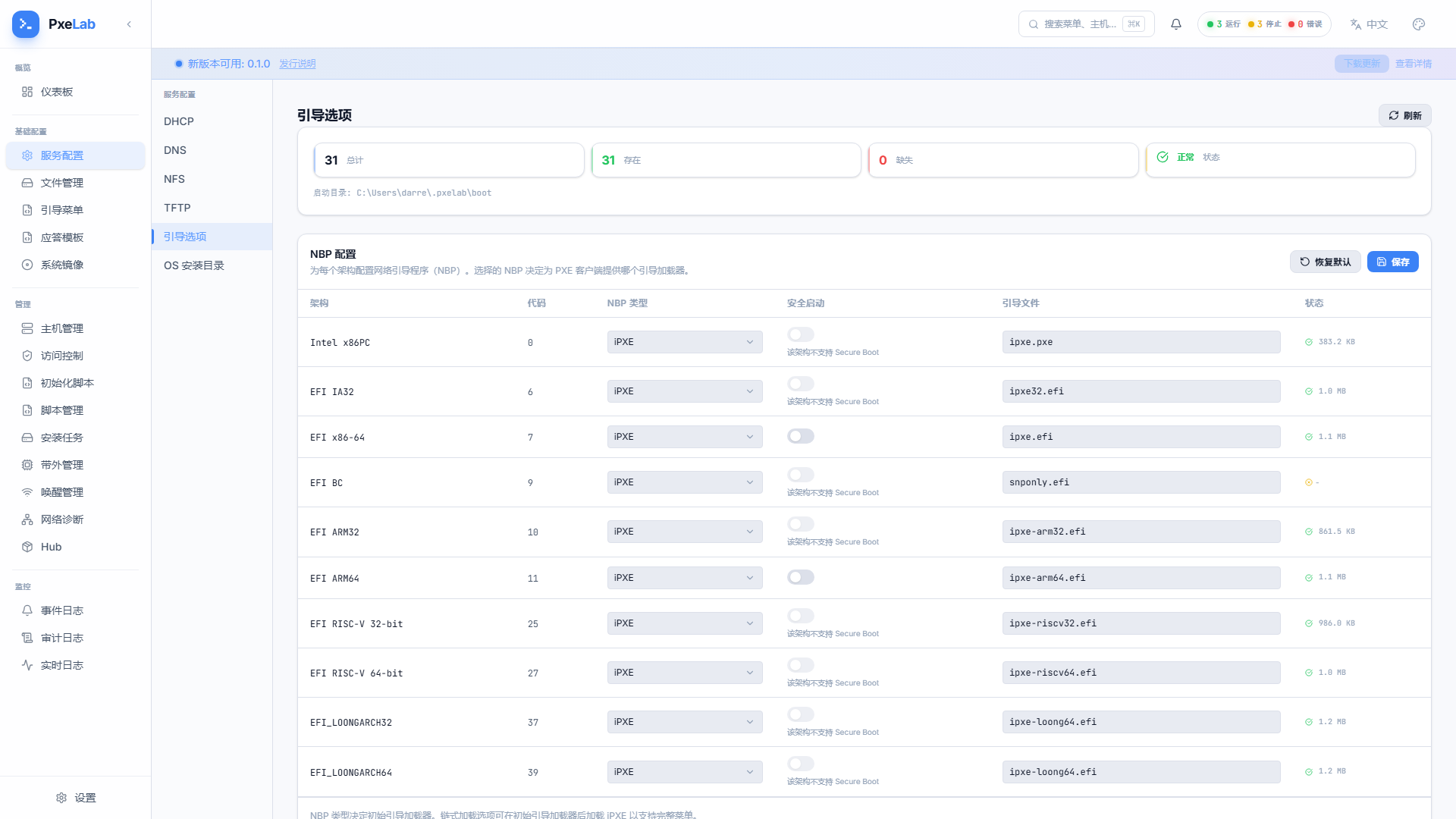
| Service Config | Basic Config → Service Config | Six sub-pages managing the network services: DHCP (interfaces/subnets/leases/reservations), DNS, NFS, TFTP, Boot Options, OS Install Catalog | Service Config |
| Page | Entry | What it does | Details |
|---|---|---|---|
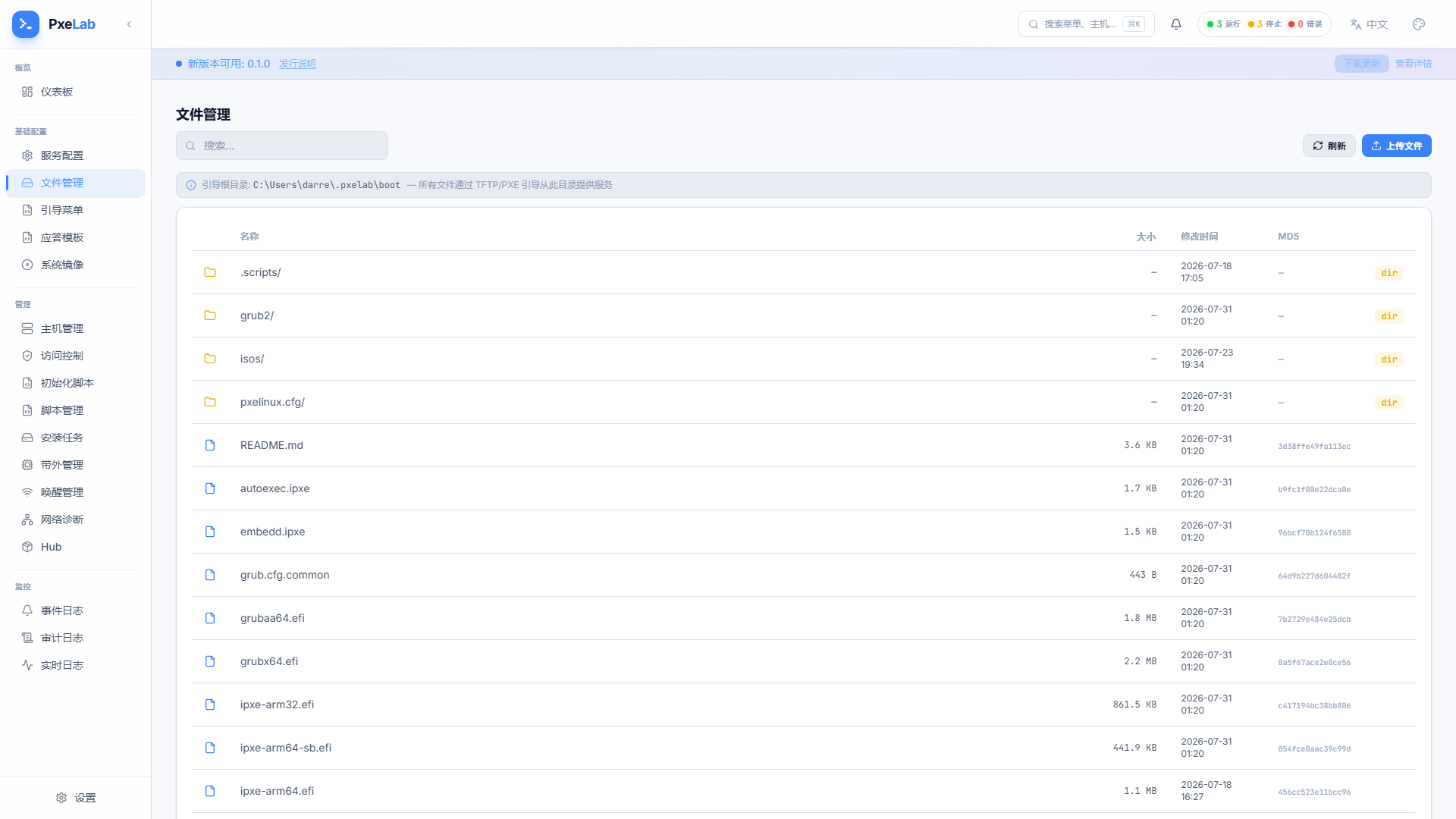
| File Manager | Basic Config → File Manager | Upload, delete, and browse boot files | Files |
| Page | Entry | What it does | Details |
|---|---|---|---|
| Boot Menu | Basic Config → Boot Menu | Profile (boot config) management, script versioning, per-host boot binding | Boot Menu Config |
| Page | Entry | What it does | Details |
|---|---|---|---|
| Answer Templates | Basic Config → Answer Templates | Unattended install answer files: preset/custom templates, versioning, validation | Answer Templates |
| OS Images | Basic Config → OS Images | ISO upload, import, mount, extract, and file browsing | OS Images |
Management
| Page | Entry | What it does | Details |
|---|---|---|---|
| Host Management | Management → Host Management | Host CRUD, MAC registration, boot menu binding, online status | Host Management |
| Page | Entry | What it does | Details |
|---|---|---|---|
| Access Control | Management → Access Control | MAC black/whitelist, controlling which devices can join | Access Control |
| Init Scripts | Management → Init Scripts | Boot baseline script management (custom script assets) | - |
| Scripts | Management → Scripts | Script file import and maintenance | - |
| Install Tasks | Management → Install Tasks | Network install task tracking: create, progress, result | Install Tasks |
| Page | Entry | What it does | Details |
|---|---|---|---|
| BMC / IPMI | Management → BMC / IPMI | Out-of-band power control, batch operations | BMC / IPMI |
| Wake-on-LAN | Management → Wake-on-LAN | Remote wake, scheduled wake-ups | WOL |
| Network Diagnostics | Management → Network Diagnostics | Ping / Traceroute with streaming output | Network Diagnostics |
| Hub | Management → Hub | PxeLab Hub template marketplace: community boot scripts and configs, one-click import | - |
Monitoring
| Page | Entry | What it does | Details |
|---|---|---|---|
| Event Log | Monitoring → Event Log | Real-time event stream (DHCP/boot/wake/IPMI operations) | Monitoring |
| Audit Log | Monitoring → Audit Log | Audit trail of every config change | Monitoring |
| Live Log | Monitoring → Live Log | Multi-panel log stream, filterable by service | Monitoring |
Settings
| Entry | What it does | Details |
|---|---|---|
| Settings (bottom modal) | General config, boot menu, Netboot, service auto-start, log management, about | Settings |
Top Bar
Service Status Dropdown
The service status indicator on the top-right; click to expand:
- Per-service run state (running / stopped / error) and ports
- Start / stop / restart each service individually, or all at once
- Auto-refreshes every 5 seconds
Notification Center
The bell icon: real-time system notifications and history.
Search / Command Palette (⌘K / Ctrl+K)
- Jump to any page instantly
- Shows recently visited pages
- Searches features and settings
Language & Theme
- One-click Chinese / English switch
- Light / dark / system theme, adjustable accent color and corner radius